
VPN for Windows 11
Download the installer, run it and choose a country in the app. From then on the VPN runs in the tray and, if you like, starts along with Windows 11.
- Windows 7 SP1 and newer
- version 1.21.0
- 84.7 MB
- built on October 16, 2026
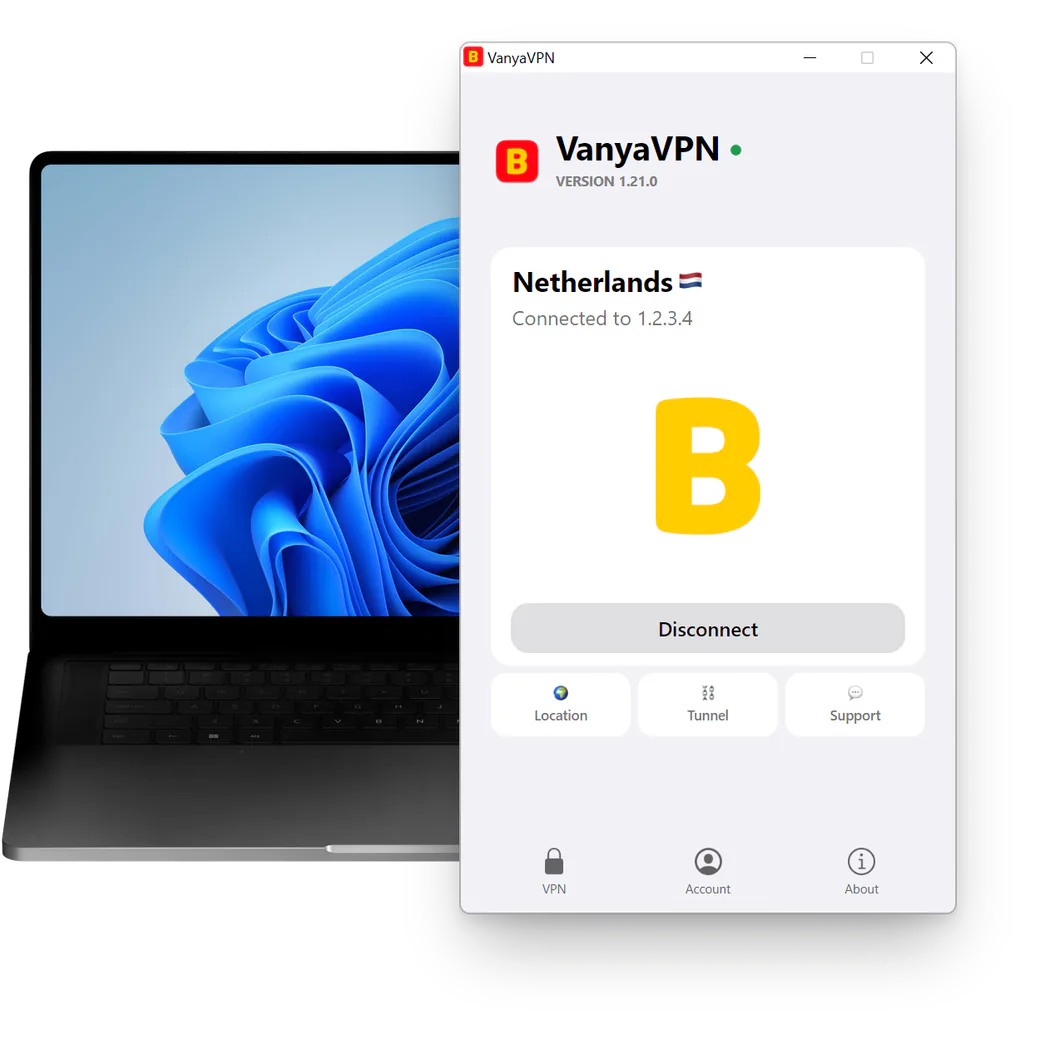
Where to find the app on Windows 11
Closing the window doesn’t switch the VPN off. The app moves to the tray and says so in a notification. Windows 11 first files new icons under the little up arrow next to the clock, so look there, or switch it on in Taskbar settings to keep it in view. Right-click the icon to bring the window back or to quit for good.
By default the app doesn’t start with Windows. The checkbox for that is under Account → Settings, in the Autostart block. But if you shut the computer down while connected, the app starts in the tray after the next boot and reconnects.
Setup
-
Run the installer
User Account Control will ask you to confirm. Say Yes, because the network adapter can’t be installed without admin rights.
-
Wait for the app window
The app opens as soon as installation ends. With no subscription yet, the first press of Connect brings up the “Buy VanyaVPN” sheet with the plans.
-
Sign in if you’ve paid
Under the plans, next to “Already have a subscription?”, there’s a button for signing in. Sign in to your account, then choose a country under Location.
What it costs
-
2 years
-
Year
-
6 months
- Month No bonus months $5/mo

The “Vanechka” trial
3 days with every country for $0.50, once per account. After that it continues month to month, and you can turn renewal off in your account.
If it does not work for you, we refund the payment under our refund policy.
Unusual setups
Windows 11 in S mode won’t let the installer run. What can I do?
S mode only allows apps from the Microsoft Store, and this installer comes from the website. Leaving S mode costs nothing, and you do it through Settings → System → Activation and a page in the Microsoft Store. Bear in mind it’s a one-way switch.
Will it run on an ARM laptop with a Snapdragon chip?
Support for ARM laptops, Snapdragon models included, is still in testing. If the app doesn’t start, contact support and we’ll help.
Do I need Windows 11 Pro?
No. This VPN for Windows 11 works on every edition, Home included.